BASIS BBj application demos
These examples show how the same business platform can serve desktop users, browser users, and mobile teams through BBjCloud.
Demo gallery
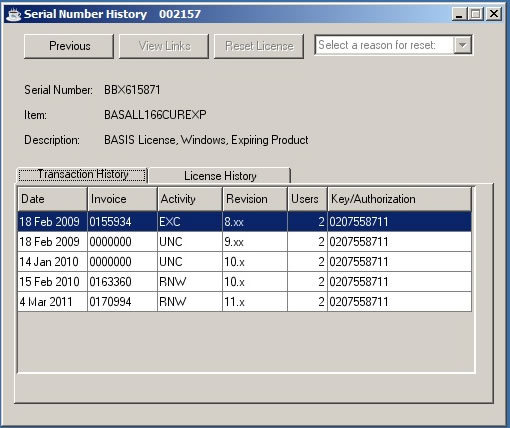
BBj Thin Client — desktop GUI
A familiar BBj desktop experience connected to a hosted application server. Thin Client users can continue working with the GUI applications and workflows they already use.
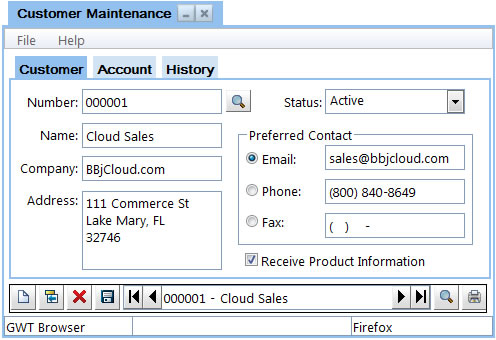
Customer Maintenance — BUI
Browser User Interface (BUI) brings a BBj application to modern browsers. It provides browser access for remote users without requiring a traditional desktop client on each workstation.
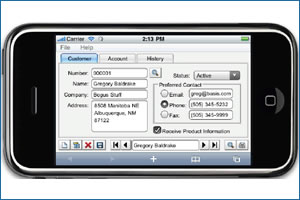
Mobile BUI — iPhone and Android
A responsive BUI experience can adapt BBj workflows for phones and tablets, giving field teams access to the information they need while away from a desk.
BASIS Web Client
BASIS Web Client provides another way to deliver BBj applications through the web while preserving the BBj business logic behind them.

Demo and resource links
Availability of live demonstrations depends on the application environment. Contact BBjCloud for the current access details and a walkthrough tailored to your users.
| Resource | Description |
|---|---|
| BUI showcase | Explore browser-based BBj user-interface patterns. |
| Add-on demonstration | Discuss add-ons and integrations for a hosted BBj environment. |
| SSH access | Review secure administration and support access options. |
| Documentation and downloads | Request the current technical documents and deployment materials. |
Request a demonstration · Ask for documentation
Questions about your application?
Tell us which BBj applications, users, locations, and access methods you need to support. We can help you evaluate a practical path to the cloud.